

Table of Contents
One UI 8.5: A Comprehensive Guide to the New Features and Improvements
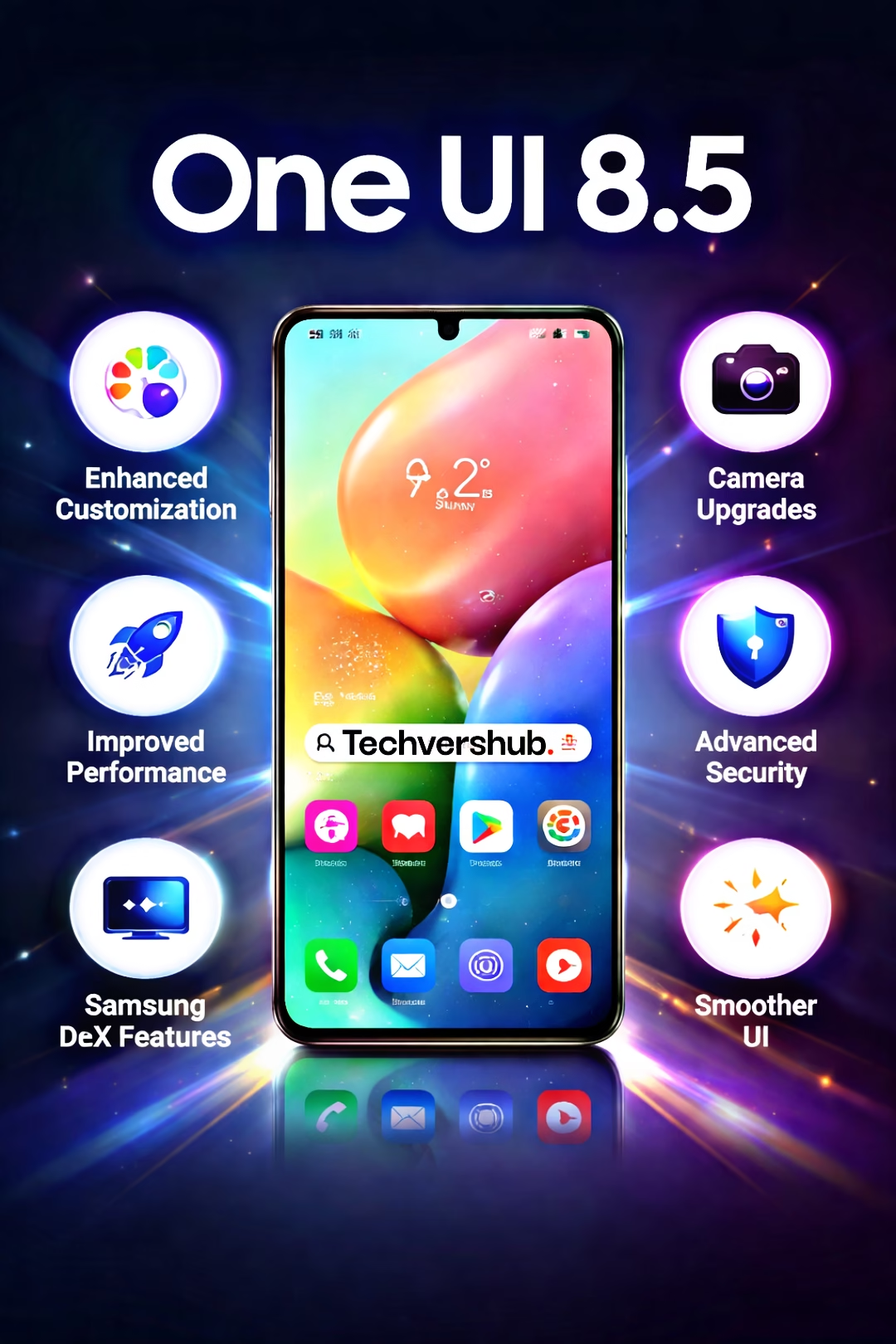
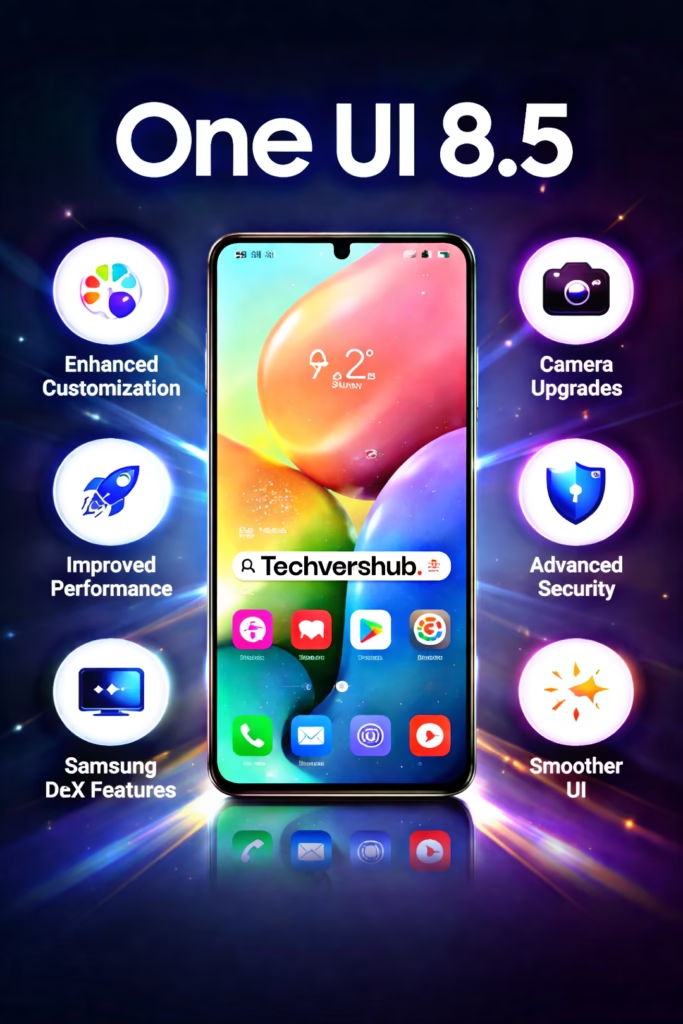
Samsung’s One UI has long been known for its elegant, intuitive design, which makes navigating a Galaxy device feel seamless. With the release of One UI 8.5, Samsung has raised the bar once again by refining the user experience and introducing several exciting new features. Whether you’re using a flagship Galaxy S series phone, a Galaxy Fold, or even a tablet, One UI 8.5 brings something new to the table that will make your device feel even more refined and capable.In this article, we’ll explore all the significant updates and improvements in One UI 8.5. From visual tweaks to performance boosts, here’s everything you need to know.
- A Fresh, Streamlined User Interface
- Enhanced Customization Options
- Performance Improvements
- Advanced Camera Features
- Samsung DeX: A More Powerful Desktop Experience
- Improved Security Features
- Better Integration with the Samsung Ecosystem
1.A Fresh, Streamlined User Interface
One of the first things you’ll notice about One UI 8.5 is its updated look and feel. Samsung has focused on enhancing the overall aesthetics to make it cleaner, more modern, and even easier to use.
Refined Icons and Animations
Samsung has reworked many of the system icons, giving them a flatter and more cohesive design that better matches the overall minimalistic theme. The icons are now simpler, with sharper edges and more consistent color schemes, ensuring that everything looks polished and fresh.
Animations have also been improved, making transitions smoother when switching between apps or navigating the settings menu. These improvements help reduce the feeling of lag and create a more fluid experience, even when performing complex tasks.
Improved Dark Mode
Dark Mode is one of the most popular features for Samsung users, and One UI 8.5 takes it a step further. Not only does it apply a deeper, more immersive dark theme across the interface, but it now supports adaptive brightness. This means that the system can adjust the darkness of the interface based on the surrounding environment, making it easier to use in both dimly lit and bright environments.
2. Enhanced Customization Options
Samsung has always offered plenty of ways to personalize your device, and One UI 8.5 goes even further by expanding customization options.
Lock Screen & Always On Display (AOD) Tweaks
The Always On Display has always been a hallmark of One UI, and One UI 8.5 makes it even more useful. Now, users can choose from more clock styles, widgets, and shortcuts on the lock screen. This allows for quicker access to essential information like weather updates, music controls, and notifications, all without having to unlock the phone.For the lock screen itself, One UI 8.5 introduces additional customization options like custom backgrounds and the ability to change the layout of your lock screen widgets. You can now tailor the look and feel of your phone to match your style more than ever.
Advanced Themes and Wallpapers
Samsung has also introduced a more dynamic wallpaper system, giving users access to more animated backgrounds, themes, and wallpaper styles than before. Whether you prefer a static background or something more interactive, there are plenty of new options to experiment with.
3. Performance Improvements
One UI has always been optimized for smooth performance, but One UI 8.5 delivers even more impressive results under the hood.
Better Resource Management
Samsung’s latest software update focuses heavily on improving memory and resource management. The operating system now runs smoother even when handling multiple apps and processes at once. Apps will open faster, multitasking will feel more fluid, and users can expect fewer slowdowns when switching between demanding apps like video editors or games.Samsung has also introduced smarter background app management, which prioritizes essential tasks and limits the activity of background apps. This results in better battery life and more efficient use of system resources.
Enhanced Gaming Performance
For mobile gamers, One UI 8.5 brings improvements to the Game Launcher and Game Tools features. The Game Launcher now supports game streaming and provides more customization options, such as adjusting the resolution and frame rate for the best gaming experience. Game Tools have also been revamped, offering quick access to features like screen recording, notifications, and a do-not-disturb mode, so you can fully immerse yourself in your gaming sessions without interruptions.
4. Advanced Camera Features
Samsung’s camera is a standout feature of its devices, and with One UI 8.5, the company has introduced several improvements to elevate the photography experience.
Pro Mode Enhancements
For users who like to dive deep into manual controls, One UI 8.5 introduces more advanced options in the Pro Mode of the camera app. You now get additional features like raw image capture, manual focus control, and more granular white balance settings. These additions provide more control over your shots, whether you’re shooting in low light or trying to capture intricate details with precision.
Improved Night Mode
Night Mode has also been significantly improved, making it easier to take clear, vibrant photos in low-light conditions. Thanks to improved AI algorithms and better image processing, One UI 8.5 can now capture brighter, sharper images in darker environments. The AI also intelligently adjusts settings like exposure and ISO to deliver the best possible shot every time.
AI Enhancements for Better Photos
AI plays a huge role in improving the quality of photos in One UI 8.5. The camera’s AI now detects scenes more accurately and adjusts settings based on what you’re shooting. Whether it’s a portrait, landscape, or close-up, the camera will automatically fine-tune the colors, contrast, and brightness to give you a photo that looks great without needing to edit it later.
5. Samsung DeX: A More Powerful Desktop Experience
Samsung’s DeX mode continues to be one of the standout features for users who want to use their smartphone as a desktop computer. With One UI 8.5, Samsung has made further improvements to make this feature even more functional and easy to use.
Smoother Multi-Window Support
DeX now offers improved multi-window support, making it easier to work with multiple apps at the same time. You can have different windows open, resizing them as needed, just like on a desktop computer. This is perfect for productivity tasks like checking emails, browsing the web, and writing documents simultaneously.
Expanded App Compatibility
Samsung has also worked to increase the number of apps that work seamlessly in DeX Mode. You can now use even more Android apps in full desktop mode, providing a more productive and efficient experience.
6. Improved Security Features
Samsung continues to take user security seriously, and One UI 8.5 includes several new tools to ensure your data stays protected.
Enhanced Biometrics
Biometric authentication has always been a key feature of Galaxy devices, and One UI 8.5 improves both fingerprint scanning and facial recognition. These new features not only make unlocking your device faster and more accurate, but they also integrate with Samsung Pass to provide an even more secure experience when logging into apps or websites.
Knox Security Enhancements
Samsung Knox continues to be one of the most robust security solutions on the market. In One UI 8.5, Knox has been further optimized to provide better real-time protection against malware and other threats. The updated Knox security features now offer more advanced options for managing your device’s security, including more granular control over app permissions and enhanced encryption.
7. Better Integration with the Samsung Ecosystem
Samsung has made a concerted effort to ensure that its ecosystem of devices works more seamlessly together. With One UI 8.5, if you own multiple Samsung devices, you’ll notice smoother integration between them.
Quick Share and Samsung Flow
The Quick Share feature makes it easier than ever to transfer files between your Galaxy devices, while Samsung Flow lets you easily sync and share content across your smartphone, tablet, and PC. Whether you’re transferring photos, videos, or documents, the process is quicker and more efficient with One UI 8.5.
Galaxy Watch and Galaxy Buds Integration
For users with a Galaxy Watch or Galaxy Buds, One UI 8.5 offers improved syncing and performance between these devices. You can now control your music, track workouts, or even manage notifications directly from your watch or earbuds, making your Samsung ecosystem more connected than ever. More Details please visit the official website of the Samsung
How to Update Your Device to One UI 8.5
A updating devices to One UI 8.5 can be very practical for readers who are unsure about the update process.Example: “Updating to One UI 8.5 is easy:Go to Settings > Software Update.Tap Download and Install.Wait for the update to download and follow the on-screen instructions.Once installed, your device will restart and be running One UI 8.5.”
My Opinion: Is One UI 8.5 Worth the Update?
One UI 8.5 is a substantial update that makes significant improvements to the overall user experience. Whether you’re looking for a more polished interface, enhanced camera features, smoother performance, or better security, this update offers it all. Samsung has fine-tuned the experience across the board, and the result is a more refined, intuitive, and powerful user interface that keeps Galaxy devices ahead of the competition.
If you’re a Galaxy user, One UI 8.5 is definitely worth installing. It’s not just about new features—it’s about making your device more efficient, secure, and enjoyable to use. If you haven’t updated yet, now’s the perfect time to experience everything One UI 8.5 has to offer.